

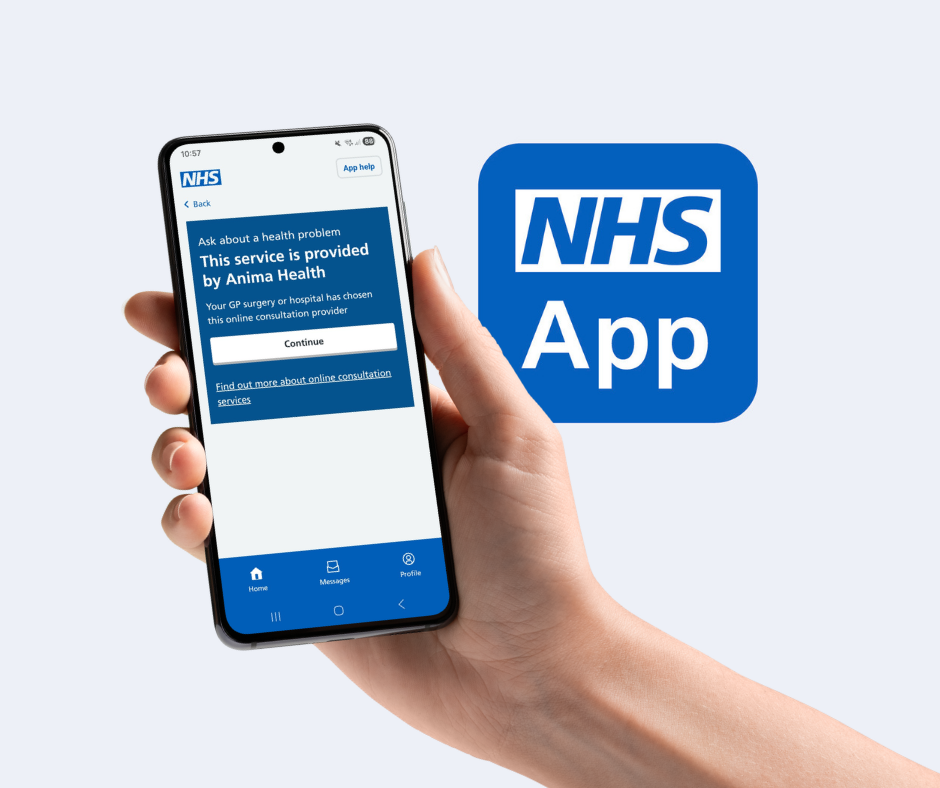
Requesting our care online is now even easier, thanks to a new Anima integration with the NHS App.
Royal Primary Care patients who are registered with the NHS App can now submit appointment requests directly through the app – with the new integrated Anima request form.
How to send an appointment request in the NHS App:
- Open the NHS App, or download and register if you don’t already have it
- On your homepage, tap on ‘Appointments‘
- Under GP services, select ‘Book an appointment‘, and then on ‘Ask about a health problem‘
- Continue to open the form and type your answers into the form before submitting the request
- Your request will be looked at by our team of clinicians and experienced admin colleagues, who will get back in touch with you about your health problem.
Prefer to use a desktop computer, laptop or your web browser? Don’t worry – you can still send a request via our requesting appointments webpage.

Not got the NHS App? It’s free to download on Apple Store and Google Play Store (ages 13+).